Saving, sharing and exporting
Export
One canvas in any format, or the whole idea at once.
One canvas
| Format | Good for |
|---|---|
| Printing and sending. Laid out like the canvas, one page. | |
| PNG | Slides and documents. |
| HTML | A standalone web page of the canvas. |
| JSON | Backing up, or opening again in Canvex with Import. |
| Markdown | Notes apps, wikis and Git repositories. |
| CSV | Spreadsheets: one row per item. |
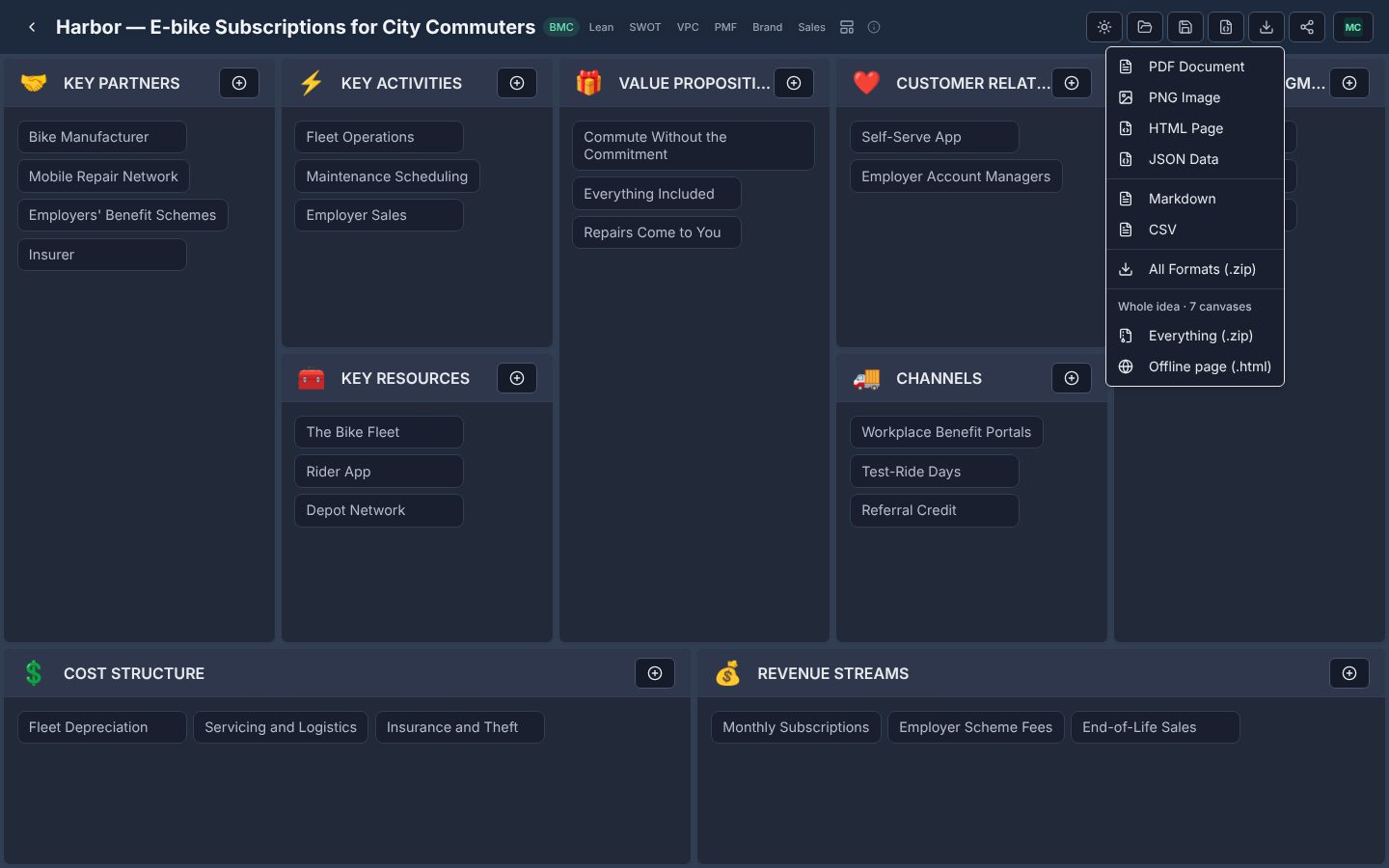
All Formats (.zip) downloads the canvas on screen in all six formats at once.
The whole idea
The bottom of the Export menu, under Whole idea, covers every canvas the idea has:
- Everything (.zip) — every canvas of the idea in every format, one numbered folder per canvas, plus the offline page, a JSON file of the whole idea (which Import reads back as one idea) and a README.
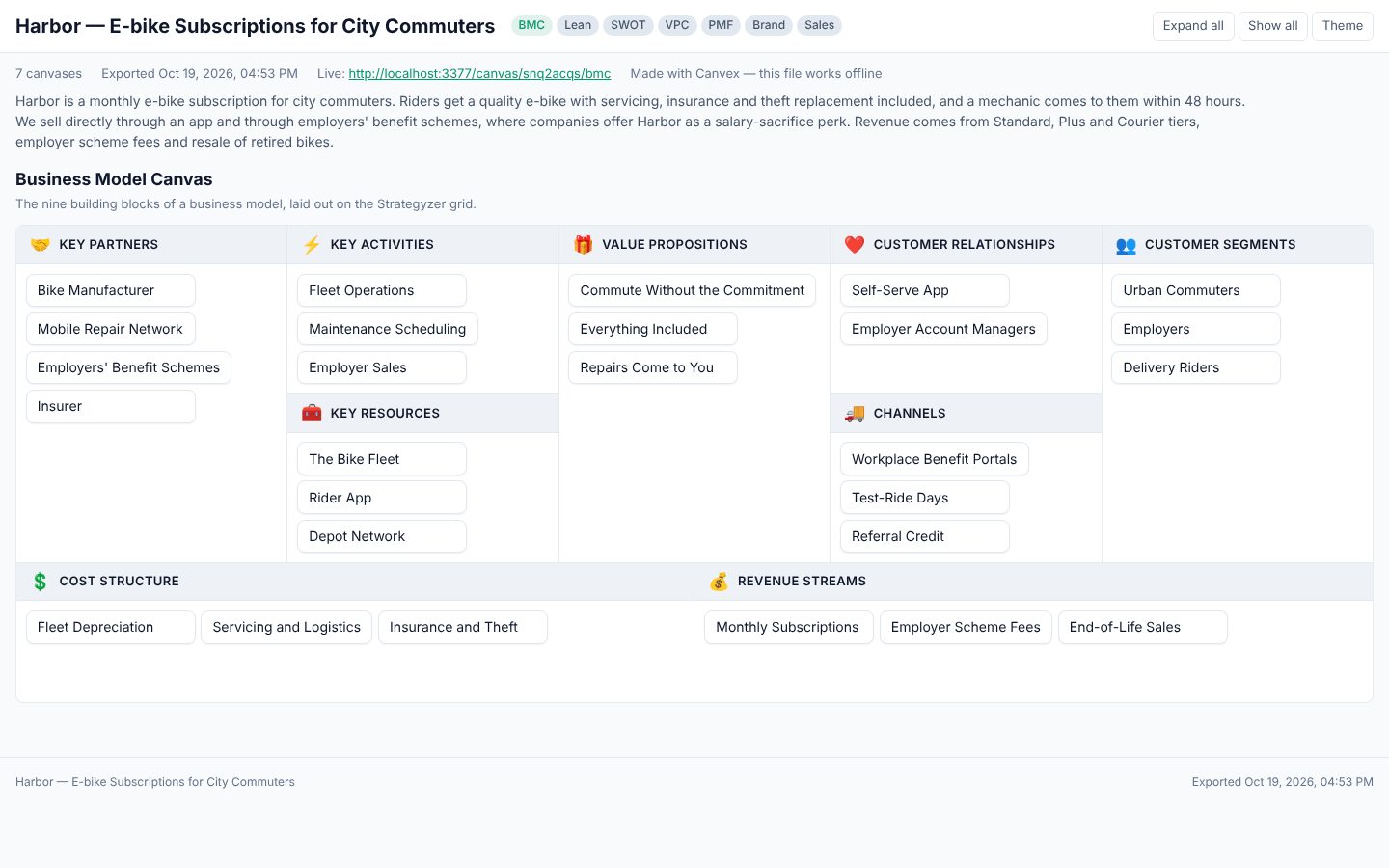
- Offline page (.html) — one file containing every canvas, with pills to move between them, light and dark themes, and items that open to their full text. It needs no internet connection, no Canvex and no AI provider: open it in any browser, attach it to an email, or print it (one canvas per page).